
The FormulaShare package includes the FormulaShare Admin User permission set, which grants access to the app, tabs, objects and Apex classes needed to configure and use FormulaShare. It's needed for any user who will set up or monitor FormulaShare, including the running user for batch jobs. It isn't needed for users who only trigger real-time sharing from flows or code.
Assigning via the App (Recommended)
The easiest way to assign the permission set is directly from within FormulaShare. When you first open the FormulaShare Rules or FormulaShare Setup tab, a prompt will appear if the permission set hasn't been assigned to your user yet.
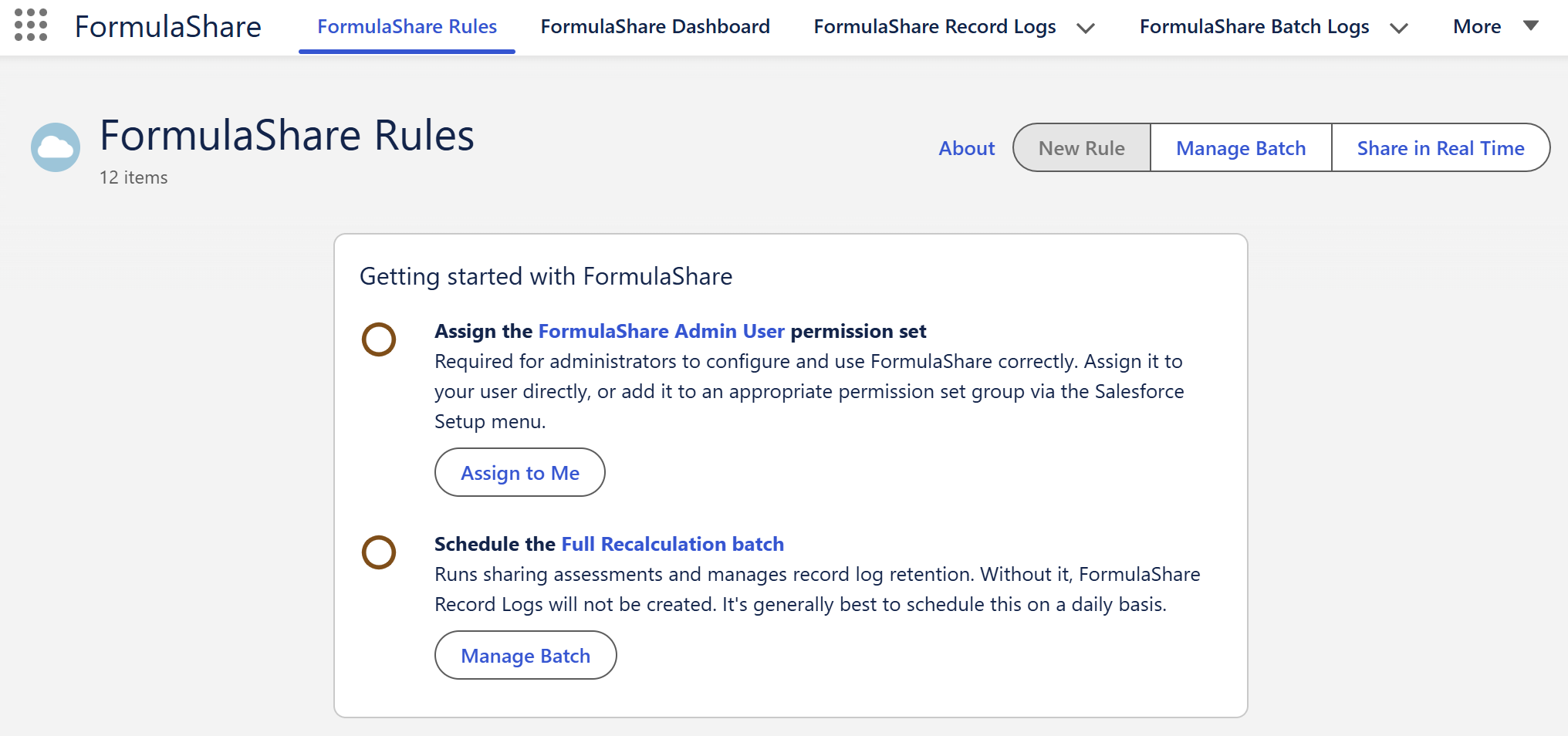
Click Assign to Me next to the permission set step. A confirmation dialog will appear showing the permission set name and your username.
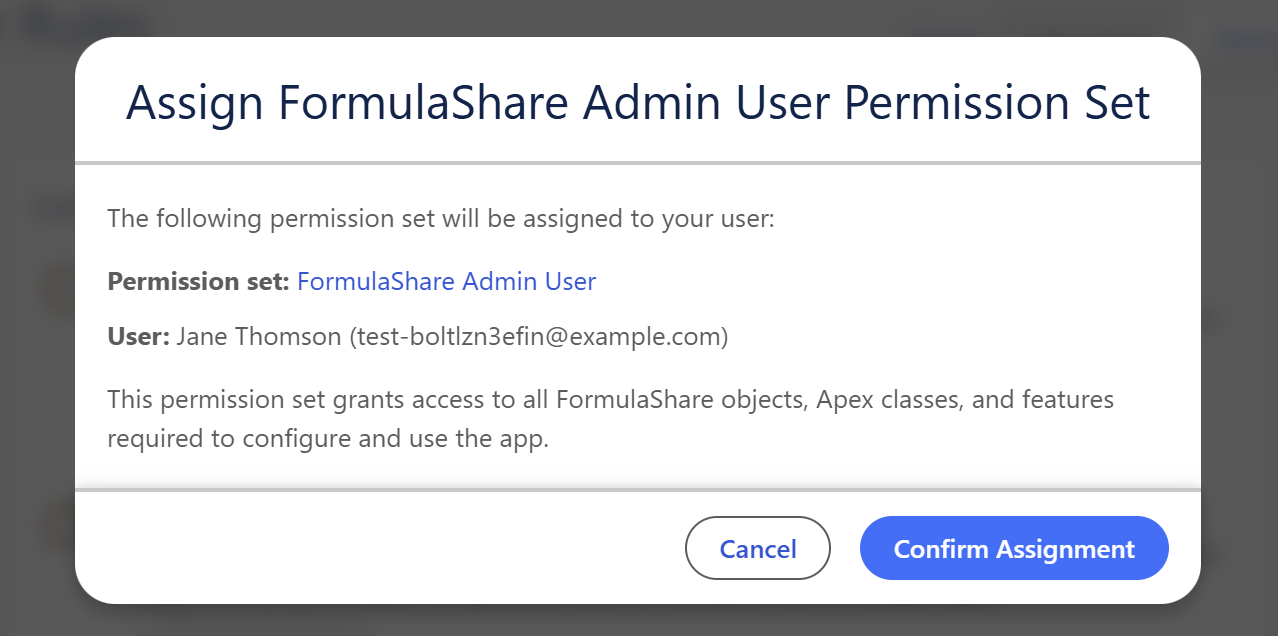
Click Confirm Assignment. The step will show as complete and the prompt will disappear once both setup steps are done.
Assigning via Salesforce Setup
To assign the permission set to other users, or to add it to a permission set group, navigate to Setup → Users → Permission Sets and open FormulaShare Admin User.
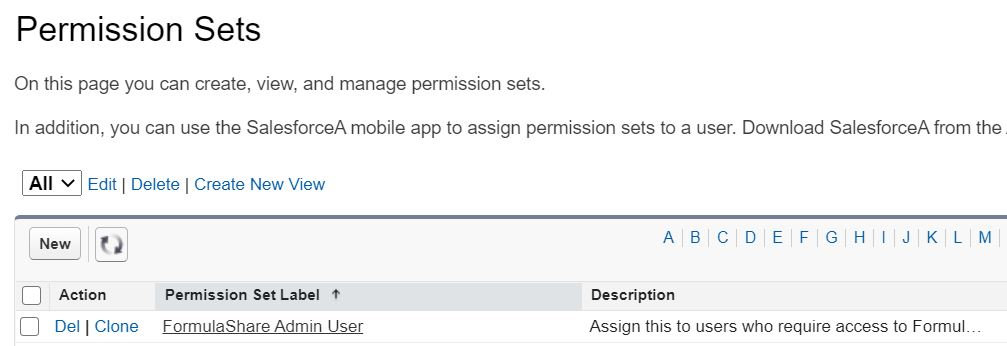
From there you can assign directly to individual users, or add to a permission set group assigned to your administrators.
Related Articles: